Read feeds without signing up: Feedwright needs no account
Feedwright reads your feeds without you signing up anywhere. Your iPhone or iPad fetches the feeds itself and keeps them on the device.
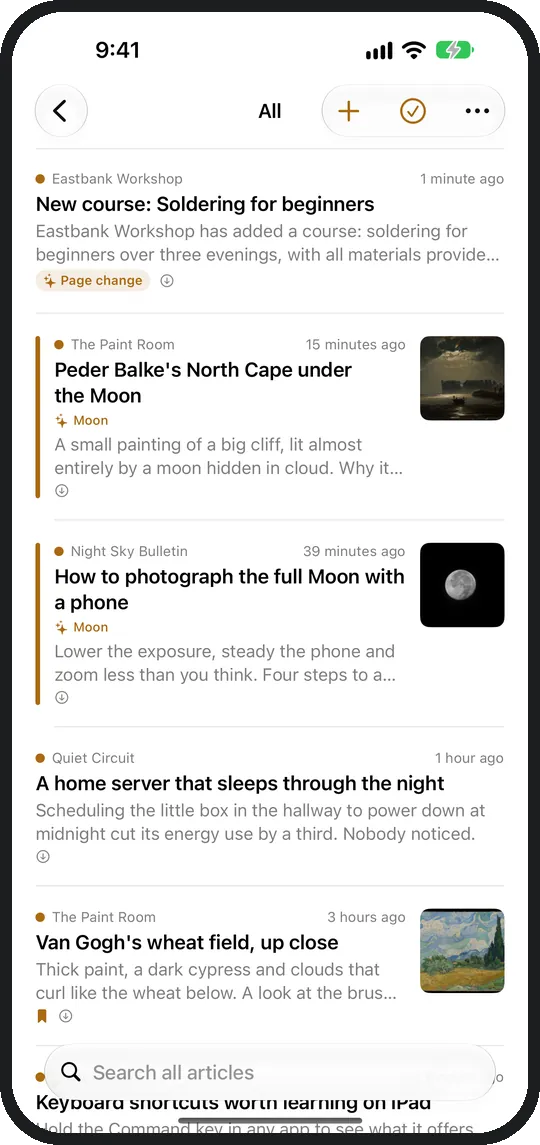
How do I get started without signing up?
You open the app, paste an address and read. Feedwright needs no registration, no email address and no password.
Where do my feeds and articles stay?
With you. Feedwright fetches each feed directly from the site that publishes it.
| What | Where |
|---|---|
| Articles and their text | on your iPhone or iPad |
| Subscriptions, categories, rules, read state | in your own iCloud |
| Usage data | Feedwright needs none: no analytics, no ads |
How do I read on iPhone and iPad at the same time?
Through your own iCloud. Subscriptions, rules and read state sync between your devices. On the second device you only need the same Apple Account.
Which feeds can I read?
RSS, Atom and JSON Feed, plus subreddits and YouTube channels, all without signing in. You can follow sites without a feed too, see Follow any website.
How do I bring my subscriptions from another reader?
As an OPML file. You export it in your current reader and open it in Feedwright under + and Import from another app. Your categories are preserved. Step by step: from Feedly, from NetNewsWire, from Feeder on Android.
Can I take my subscriptions with me at any time?
Yes. Under Settings and Export OPML Feedwright saves all subscriptions as a file that any other reader opens. Export is always free, also without Feedwright Plus.
In what order do articles appear?
In the order they were published. Feedwright needs no recommendations and ranks nothing by popularity.
Can I read offline?
Yes. The text sits on your device. Whatever you keep in Read Later stays as long as you like.