Peal
Peal
Press kit
Everything on this page is free to use. Questions and test access through support [at] kornelius.org.
Facts
| Name | Peal |
|---|---|
| What it is | Calendar alarm for iPhone and iPad |
| Developer | Kornelius, independent |
| Based in | Germany |
| Devices | iPhone, iPad and iPhone Duo |
| Requires | iOS 26 or later |
| Languages | English, German |
| Price | Free with every rule the user sets. Peal Plus as a subscription, with a seven-day trial and Family Sharing. |
| Released | 8 September 2026 |
| App Store | apps.apple.com/app/peal-kalender-alarm/id6808315934 |
| Website | kornelius.org/peal |
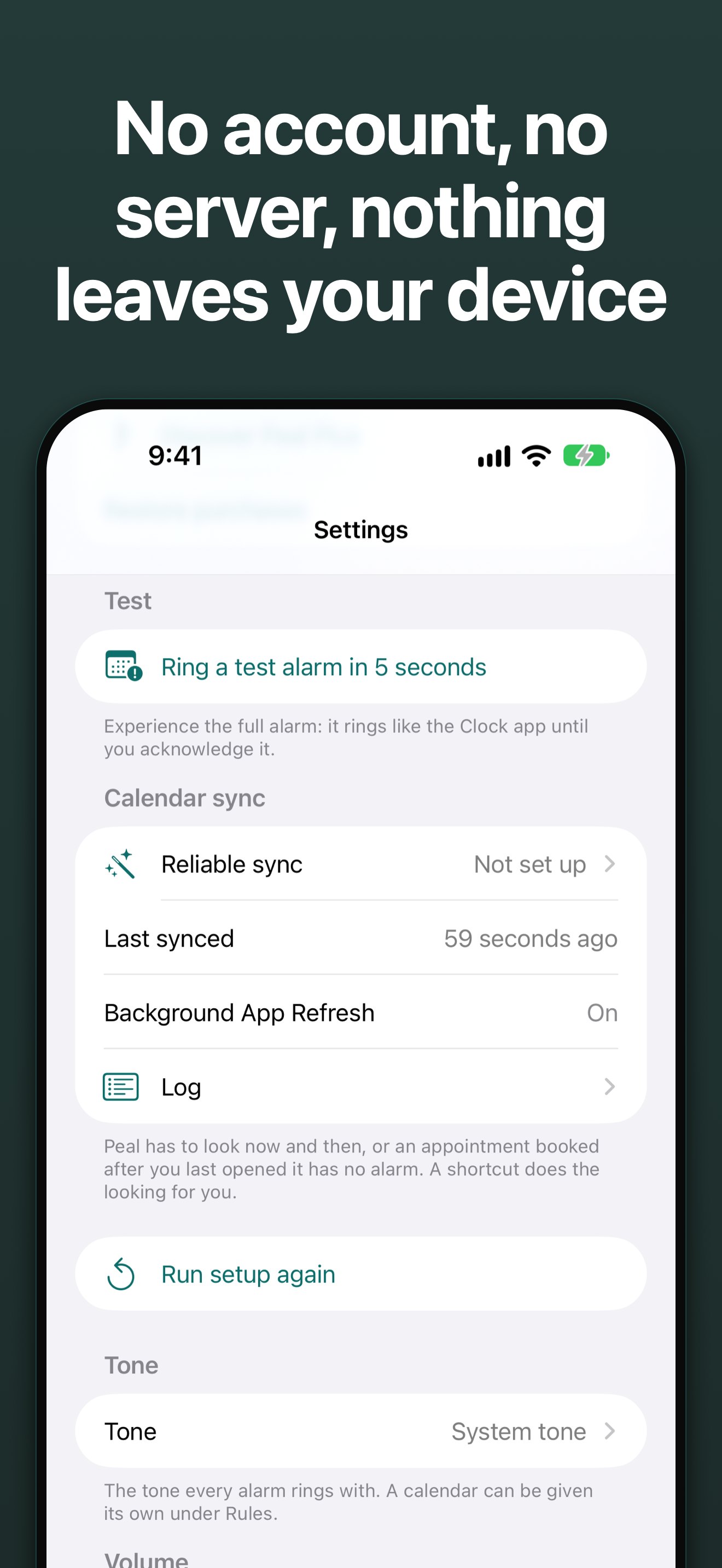
| Data collection | None. No account, no server, no network request of its own, no analytics. |
| Contact | support [at] kornelius.org, personal reply |
Table as of 7 October 2026. Release date, devices, requirement and languages are taken from the App Store listing.
Short texts
One line
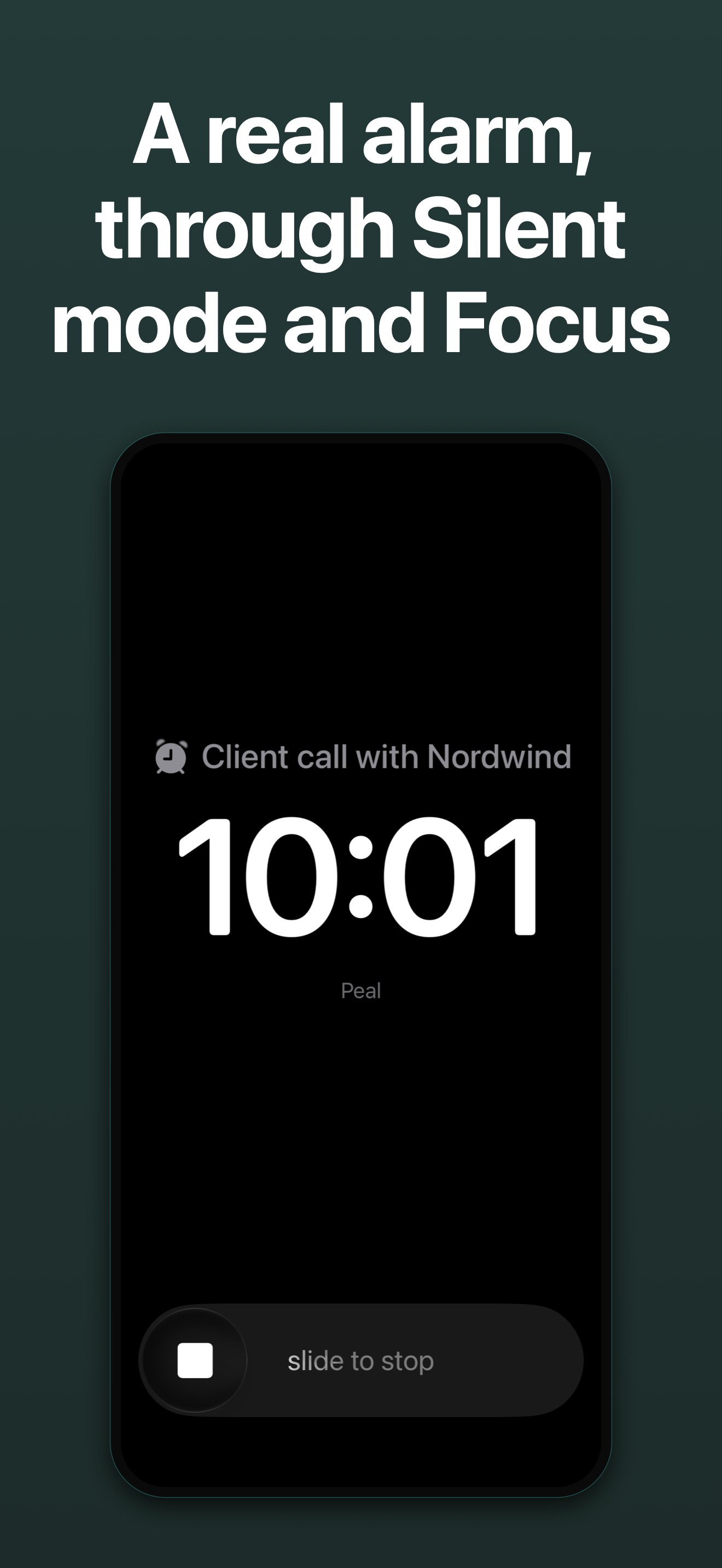
Peal turns important appointments into real alarms that get through Silent mode and Focus.
Short
Peal is a calendar alarm for iPhone and iPad. It reads the calendars the device already syncs and turns the appointments you must not miss into real alarms: full screen, through Silent mode and Focus. Peal keeps ringing until the alarm is stopped. No account, no server, nothing leaves the device.
Long
Calendar notifications are quiet by design. They arrive while the device is face down, during a Focus session, or as one of twenty. For most appointments that is right, for the client call it is not. For the important ones Peal sets a real system alarm, which is exempt from Silent mode and Focus and keeps ringing until the user stops it.
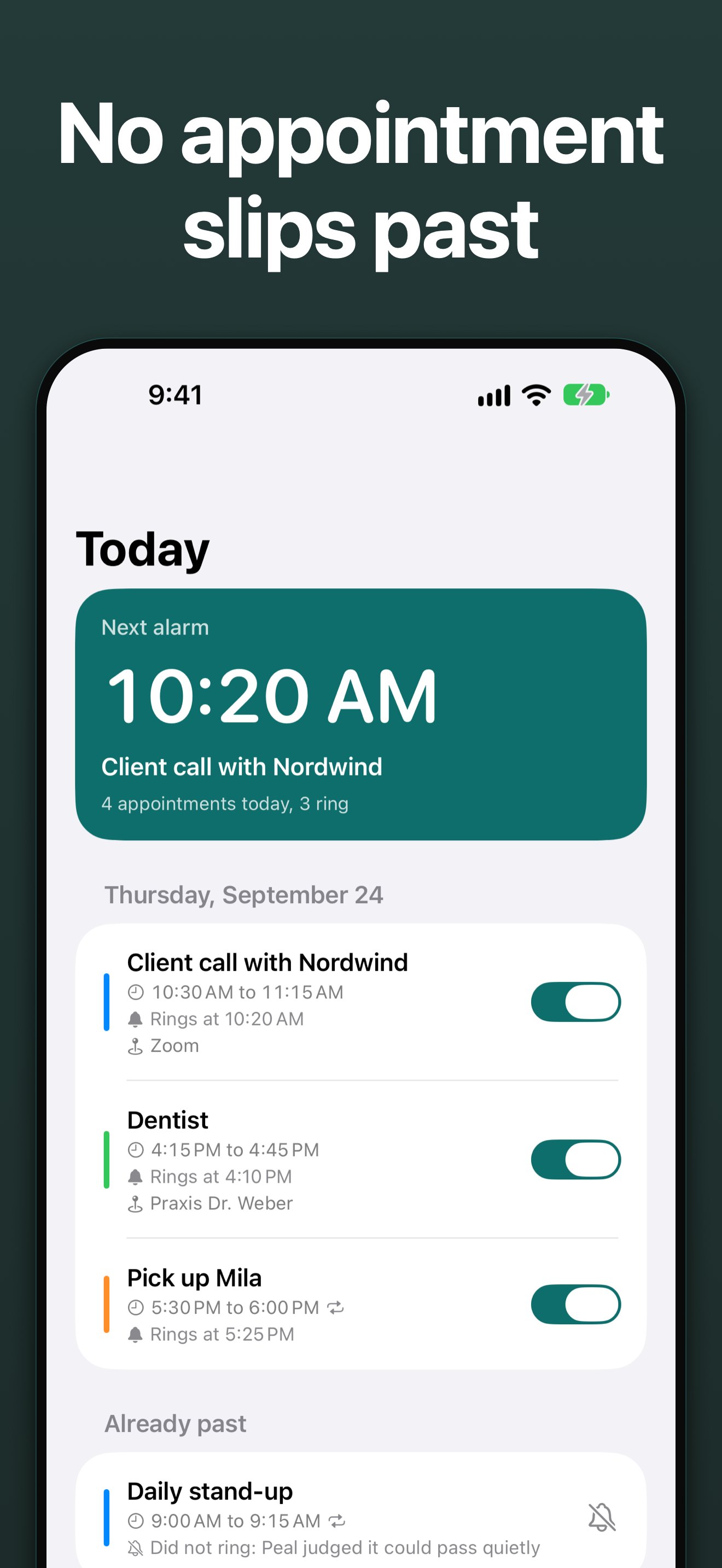
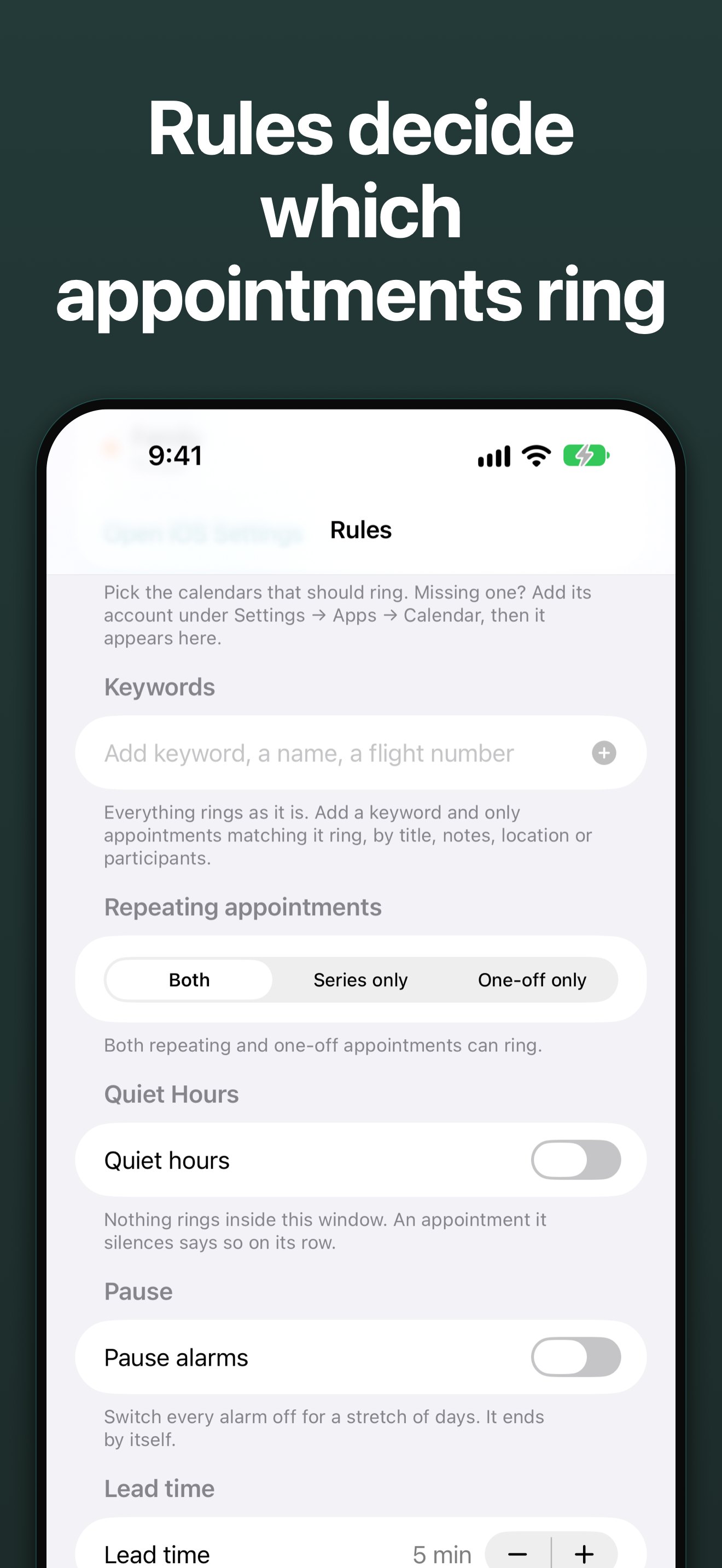
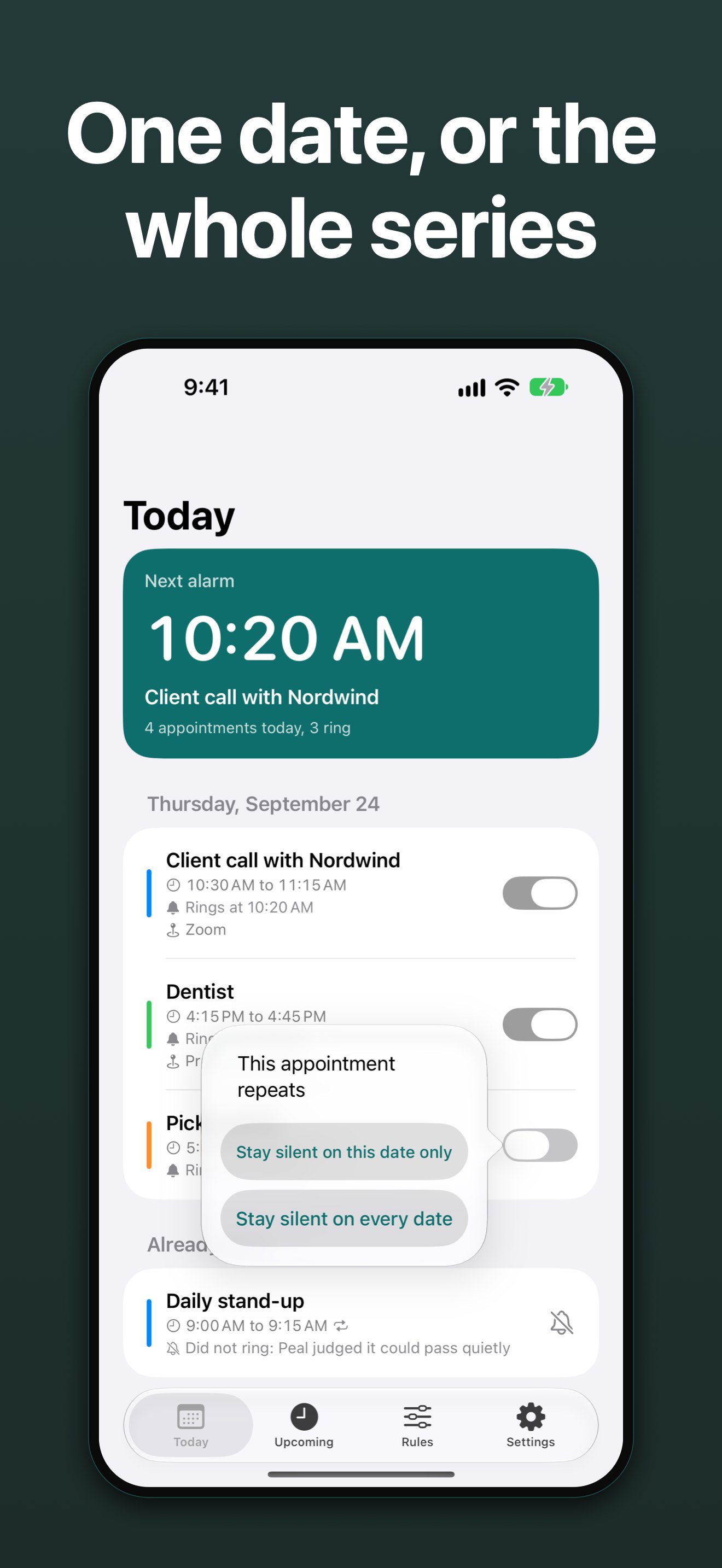
The user decides which appointments ring: per calendar, per keyword (which also matches notes, location and participants), per participant, per single appointment, plus quiet hours and lead time. Under Today, every appointment shows the rule that decided it, even when it stays silent.
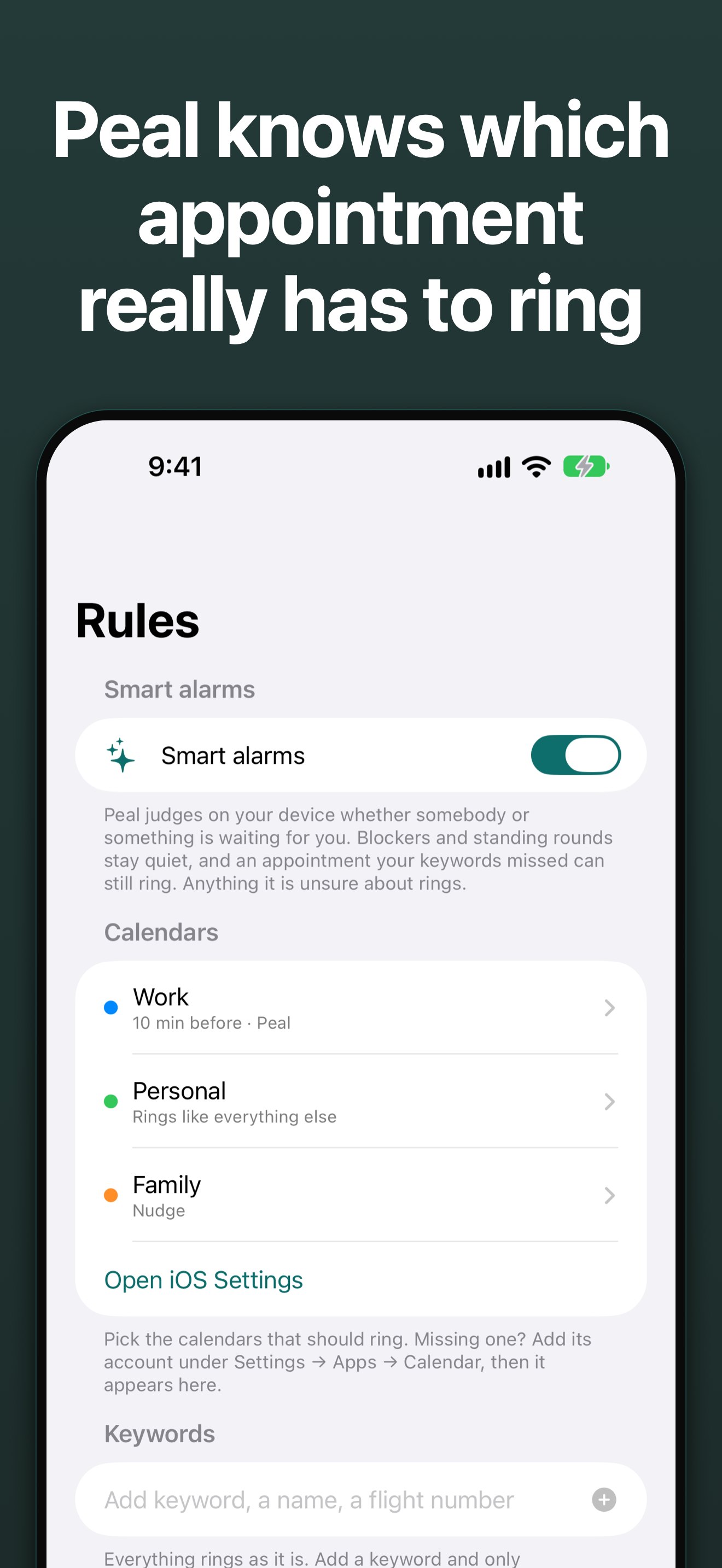
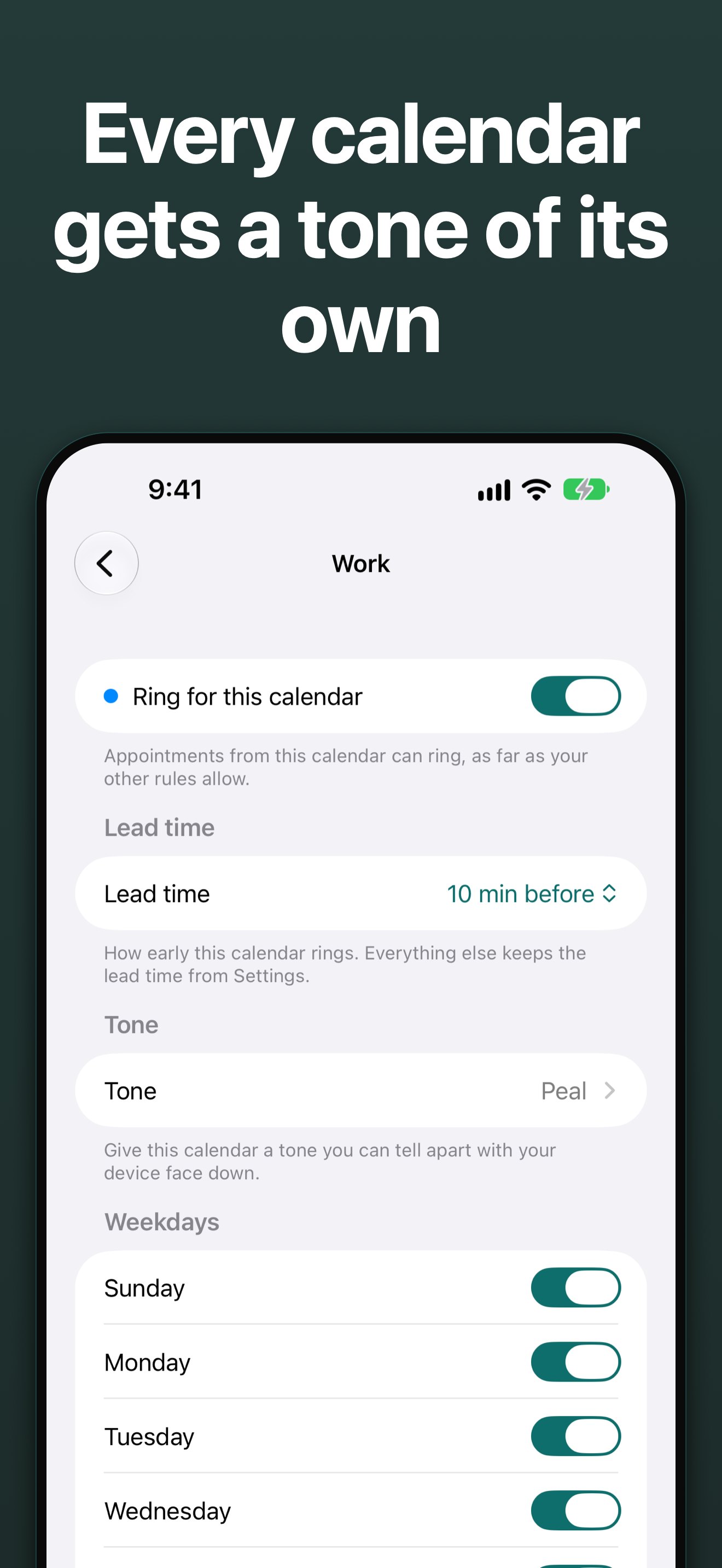
Peal reads the calendars through a single system permission that covers iCloud, Google, Outlook, Exchange and Microsoft 365 alike. Peal needs no account, no server and no network request of its own. Peal Plus adds smart alarms: Apple Intelligence on the device recognizes what kind of appointment it is, so travel rings 2 hours ahead and blocks of time stay quiet. Plus also brings custom tones, a pause, lead times per calendar and per appointment, weekday rules and a second button on the alarm.
App preview
The same recording as the App Preview on the App Store, without sound.
The title cards in the video, in order:
- No appointment slips past
- Rings through Silent mode and Focus
- Peal knows which appointment really has to ring
- Customize each calendar
- No account, no server
On iPhone Duo
From version 1.5 Peal is optimized for iPhone Duo. Open, flat or as a book, Today and Upcoming show the list on the left and an appointment on the right. Closed, an alarm rings full screen as on any iPhone.
Images
Download all 8 images and the icon as a ZIP, 1.6 MB

A real alarm, through Silent mode and Focus
Full size, 1320 px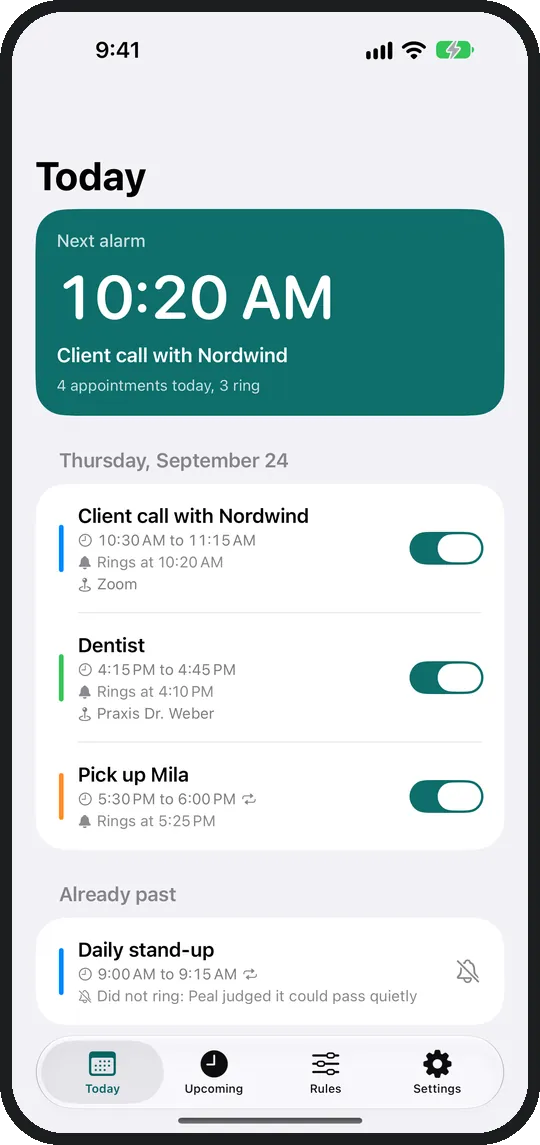
No appointment slips past
Full size, 1320 px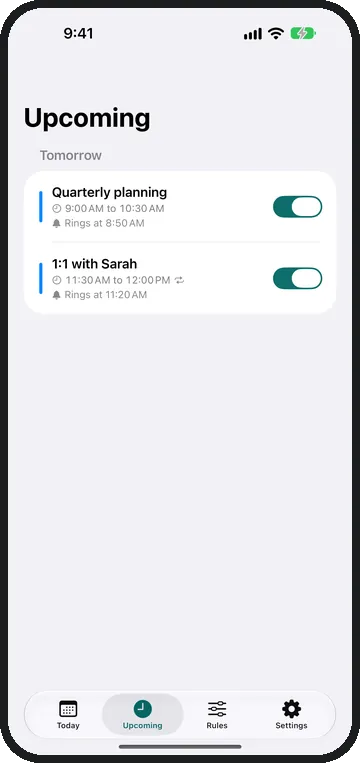
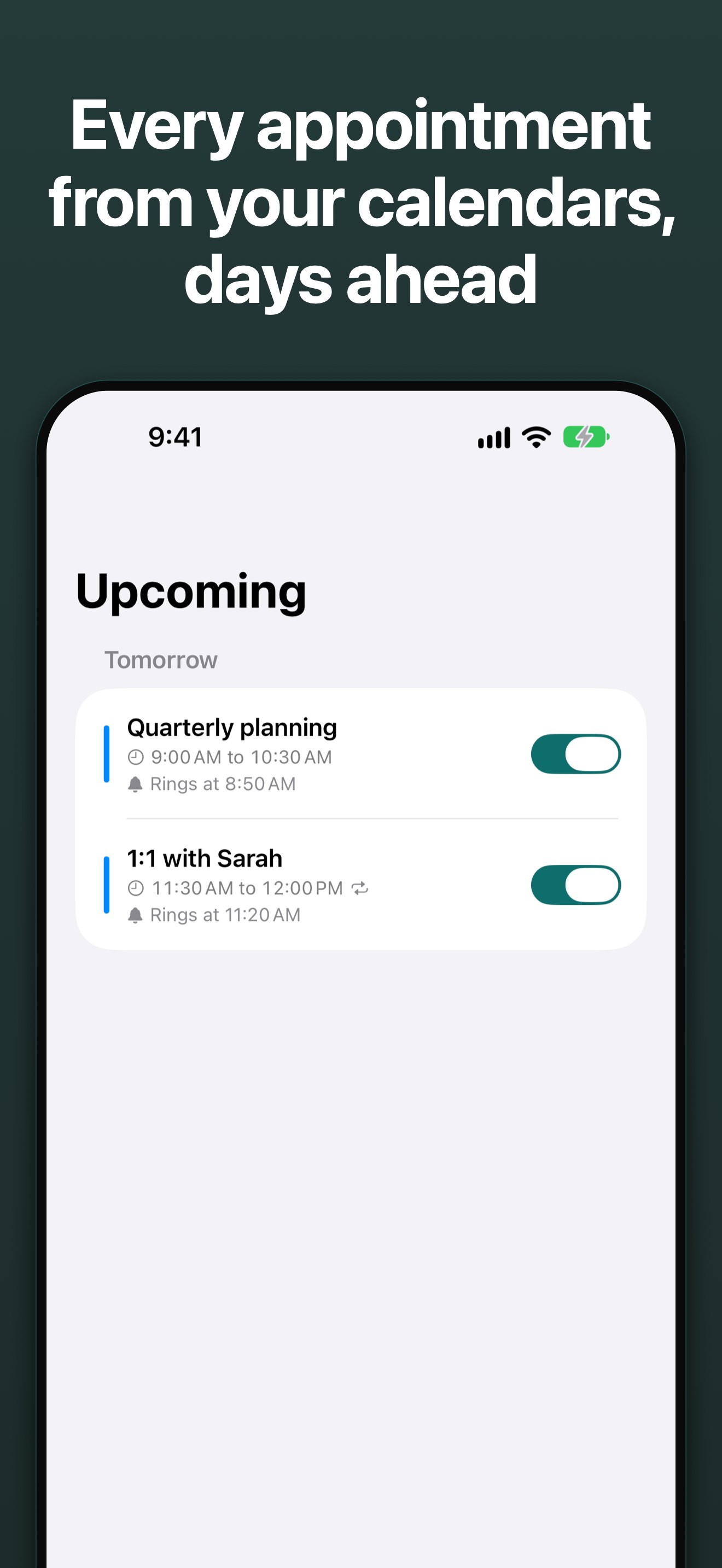
Every appointment from your calendars, days ahead
Full size, 1320 px
Rules decide which appointments ring
Full size, 1320 px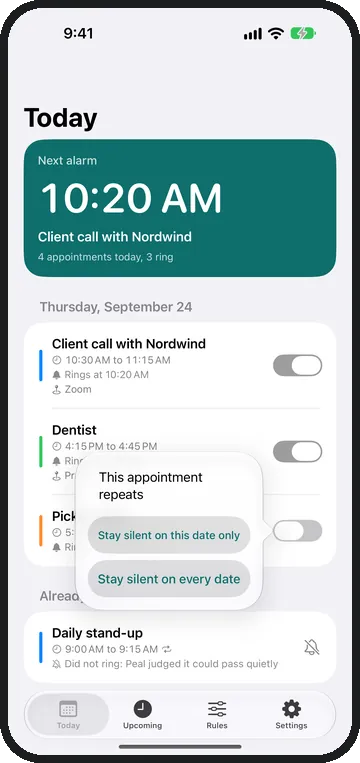
One date, or the whole series
Full size, 1320 px
No account, no server, nothing leaves your device
Full size, 1320 px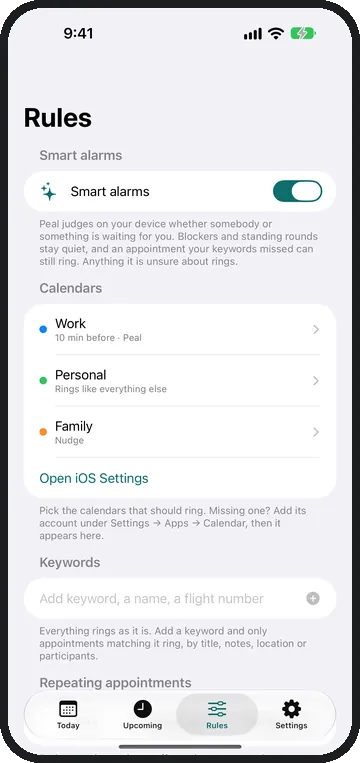
Peal knows which appointment really has to ring
Full size, 1320 px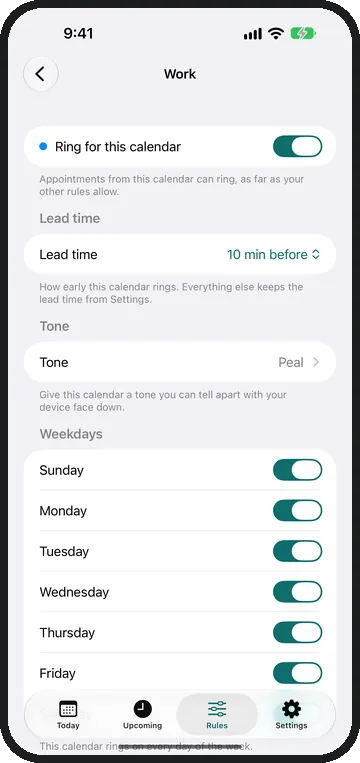
Customize each calendar
Full size, 1320 px
App icon
peal-icon-1024.png, 1024 × 1024 pixels, no transparency. The icon is also in the ZIP archive with the images.